
In development
Document toolkit
Twelve PDF tools. One app. $2.99, once.
Scan, merge, split, compress, convert, sign, watermark, protect, redact. The jobs you need a PDF app for maybe six times a year — without renting one for the other 359 days.
The problem
Why one small PDF job turns into a monthly bill
You need to combine two scans and sign a form. That's a ten-minute problem. But the app that does it wants a subscription, the free web converter wants your document uploaded to a server you've never heard of, and the tool your employer uses isn't on your phone.
So you end up with four single-purpose apps, each with its own paywall, and none of them can do the second thing you needed. Or you pay monthly for a suite you open twice a year and forget to cancel.
The work itself hasn't been hard since about 2010. The pricing is the hard part.
What it does
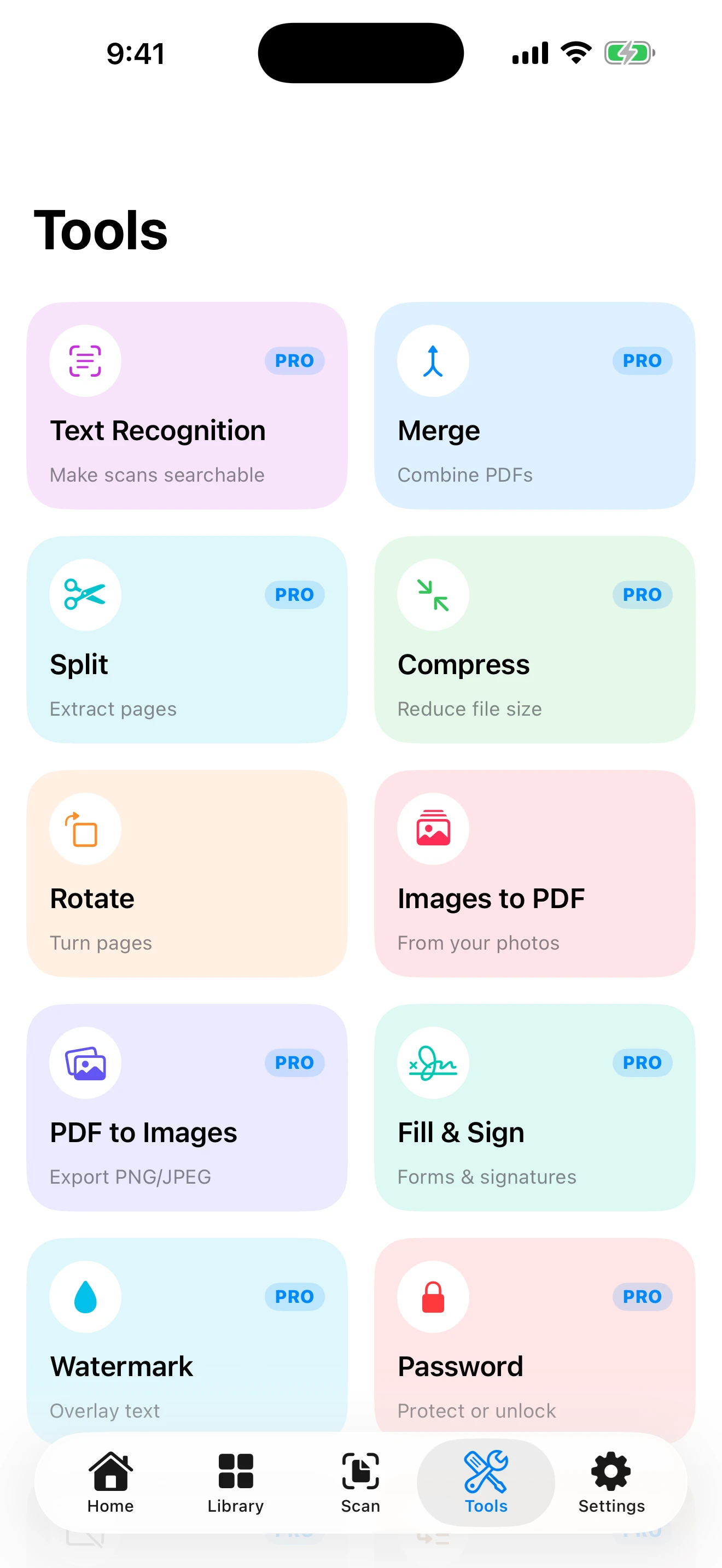
Twelve PDF tools in one app
Not a demo grid with ten locks on it — the whole set, for one payment.
The tools, in full
Every one of these is a real screen that finishes the job, not a link to an upsell.
- Merge — combine PDFs
- Split — extract pages
- Compress — reduce file size
- Rotate — turn pages
- Images to PDF — from your photos
- PDF to Images — export PNG or JPEG
- Text Recognition — make scans searchable
- Fill & Sign — forms and signatures
- Watermark — overlay text
- Headers & Footers — page numbers and labels
- Password — protect or unlock
- Redact — permanently remove
Scan paper into something you can find again
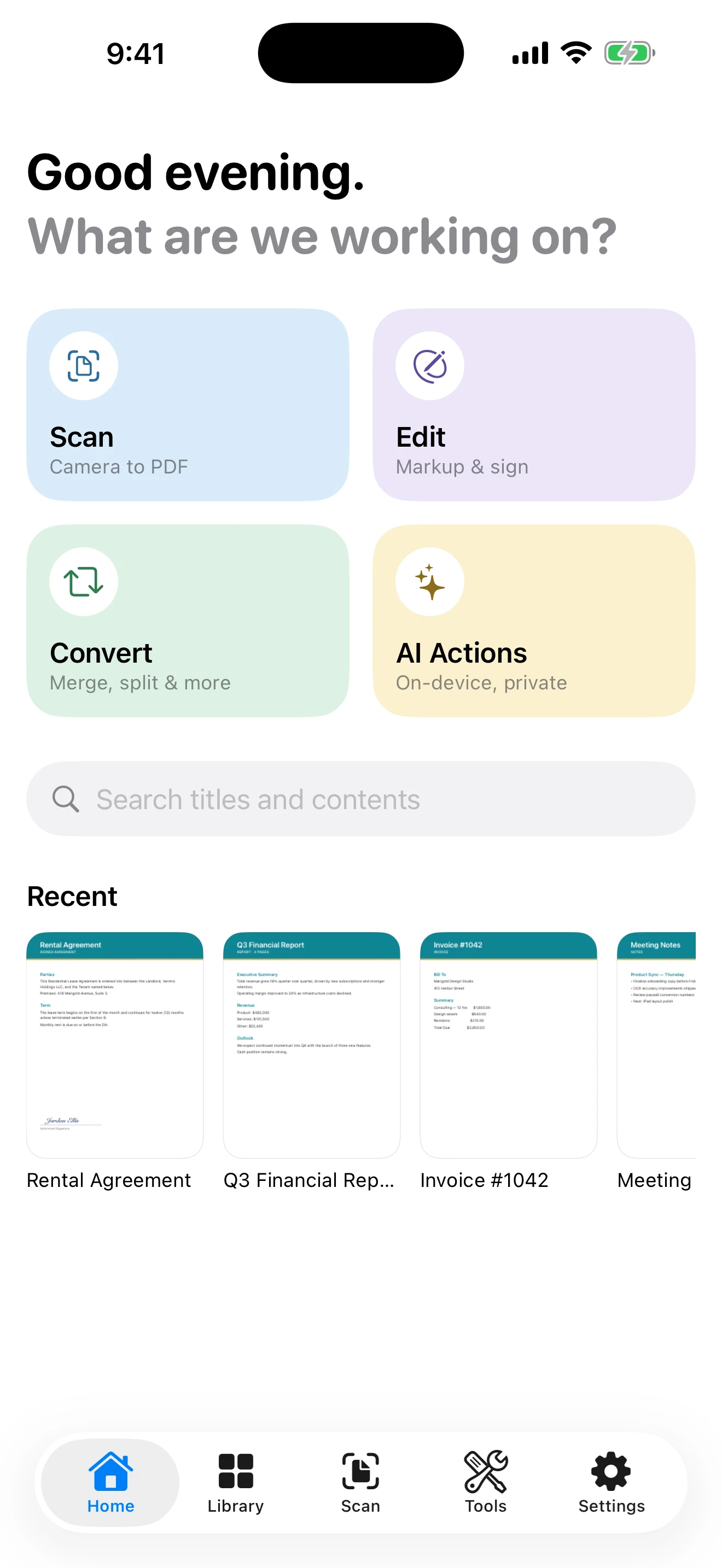
Photograph a document and DocLoft saves it as a PDF. Run Text Recognition over it and the words become part of the file — so the search box on the home screen looks through titles and contents, not just filenames.
That's the difference between a folder of pictures of paper and an archive you can actually use. Type "invoice" and get the invoice, even if you photographed it eight months ago and named it nothing.
Redaction that actually removes it
Drawing a black box over an account number in most apps leaves the text sitting underneath, selectable by anyone who opens the file. DocLoft's Redact tool permanently removes the content rather than covering it.
Alongside it, Password protects a file or unlocks one you have the password for, and Watermark and Headers & Footers handle the labeling that gets asked for whenever a document leaves your hands.
Ask a long document what it says
On an iPhone with Apple Intelligence turned on, DocLoft adds three shortcuts: summarize a document down to what it is and its single most important point, extract key info as labeled facts — "Total due", "Deadline" — and suggest a title for something you scanned and never named.
Useful on a twelve-page agreement you've been handed an hour before you need an answer.
AI actions require an Apple Intelligence-capable device with the feature enabled. Everything else in DocLoft works on any supported iPhone or iPad.
Rental Agreement — 418 Marigold Avenue
Fair questions
What's the catch at $2.99?
There isn't a second tier waiting. $2.99 unlocks all twelve tools permanently, and the unlock restores free on every device signed in to your Apple Account — buy it on your phone, it's there on your iPad.
You can also try the app before paying anything: viewing, rotating, converting photos to a PDF and scanning documents up to three pages are all free. And the app is honest about that cap — over three pages it refuses to save rather than quietly keeping the first three and letting you discover the rest are gone.
The price is low because every tool runs on your own device. There's no server processing your documents, so there's no per-file cost to pass on to you — and nothing to keep charging you for once you've bought it.
Pricing
$2.99 once. That's the entire price.
One purchase, no subscription, no renewal, no per-document charge.
Free
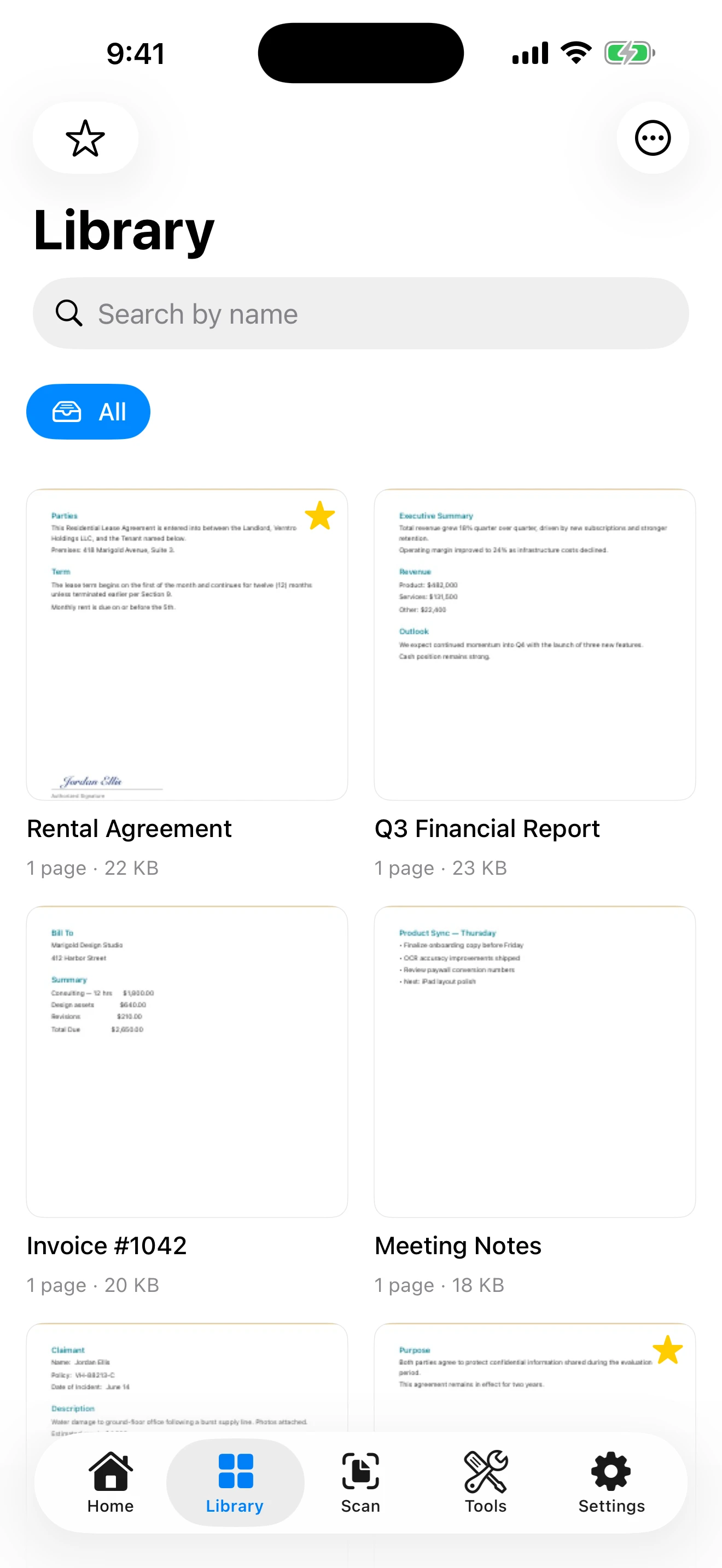
- View and organize your documents
- Search your document titles
- Rotate pages
- Images to PDF from your photos
- Highlight and underline
- Scans up to three pages
Unlocked $2.99 once
- Unlimited scanning
- Text recognition, so scans are searchable
- Merge, split and compress
- Fill & sign, and full annotation
- Watermarks, headers and footers
- Password protection and redaction
- Export PDF to images
- AI actions on capable devices
One purchase, yours forever. Restores free on every device with your Apple Account.
- Requires
- iOS 17.0 or later
- Devices
- iPhone and iPad
- Price
- $2.99 once
- Account
- None
- Works offline
- Yes — every tool runs on your device
- AI actions
- Need an Apple Intelligence device
Everything a PDF needs, in one app.
DocLoft is still in development. LeasePace and STRAXE are on the App Store now, if you want to see how we finish things.